

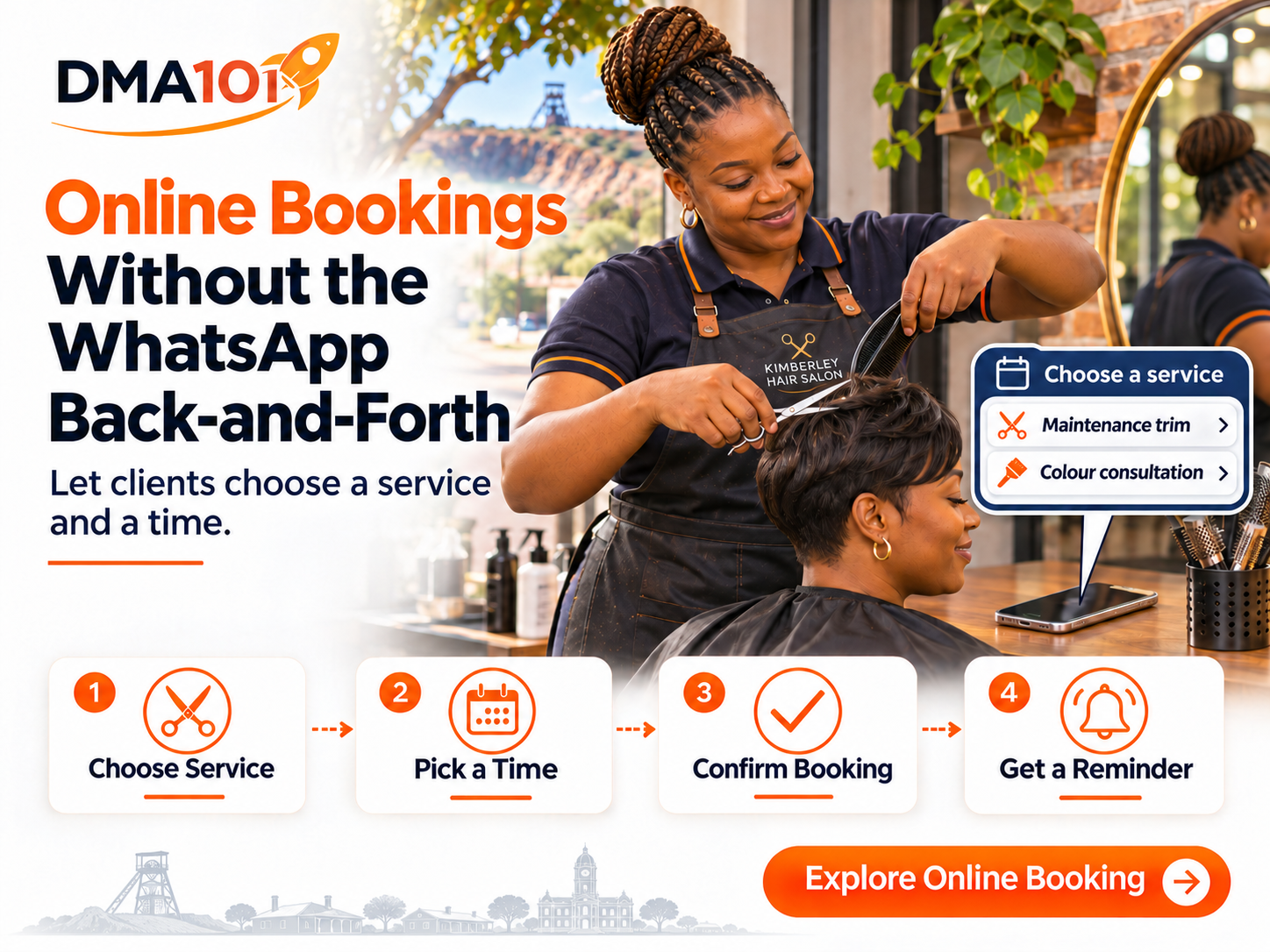
"Do you have anything open on Saturday?"
A Kimberley salon owner sees the WhatsApp between clients and replies, "I can do ten." An hour later, the customer asks, "Is that enough time for braids?" The stylist had a trim in mind. By now, another client has taken the ten o'clock slot, and both women are back where they started.
The first question sounded like a request for a time. It was really two questions: Can you do the service I need, and when can you fit it in? A good online booking page answers them in that order. The customer chooses a service, sees times that suit that service and knows whether she has a confirmed appointment or needs to speak to someone first.
Here's how to set that up for a small business, while keeping the personal help your customers value.
Quick answer
An effective online booking setup for a small service business normally includes:
- Clearly described services with realistic durations
- A calendar built around your real working day, including buffers
- Separate handling for routine services and work that needs an assessment
- A short form that collects only what you genuinely need
- A clear confirmation with date, time, location and reschedule options
- A tested connection between online availability and your staff diary
No booking page removes the need for professional judgement. The goal is to let customers self-serve the routine work while keeping a person available for the decisions that need one.
Decide What Customers Can Book for Themselves
Start with the appointments you already arrange in one or two messages. A regular client asking for her usual trim is a good candidate. You know what's included, which stylist can do it and roughly how much time to reserve. Someone asking you to correct a box dye before a wedding needs a different starting point. You can offer an online booking for the consultation, then agree on the treatment once the stylist has seen the client's hair.
| What the customer wants | What to offer on the booking page |
|---|---|
| A routine service with a predictable duration | Let the customer choose the service and book an available time directly. Explain what's included and show the price if it's fixed. |
| A service that varies by style, length or preparation | Offer clearly described options if you can schedule each one reliably. If you still need more information, give the customer a way to ask before booking. |
| Specialist work that needs an assessment | Offer a consultation and say exactly what that appointment covers. Make it clear that the treatment will be scheduled separately. |
The same logic works outside a salon. A tutor can offer a standard hour of maths tuition. A mechanic can offer a diagnostic appointment even when the eventual repair could take a morning or several days. The question to ask is simple: What can I confidently promise when this customer taps "Book"?
Build the Calendar Around a Real Working Day
Take last Saturday's diary and look at what actually happened. How long did the service take from the moment the customer arrived until the chair was ready again? Did one stylist handle all the work? Did two stylists need the same basin at the same time? These details decide whether a time that looks open on a screen is genuinely available.
Suppose a trim takes 30 minutes and the stylist needs another 10 minutes to sweep, clean her tools and prepare. A client who starts at 09:00 finishes at about 09:30, but 09:40 is the earliest the stylist is ready for the next one. In your setup, account for those ten minutes as a buffer. If your calendar then offers 09:30 to another customer, you've found something to fix before you share the link.
Also agree on how your team handles these three situations:
- Walk-ins and phone bookings. If a regular phones and books the last Saturday slot, whoever takes the call should enter it in the diary that controls online availability. Otherwise, the receptionist and the website can offer the same chair to two people.
- Short-notice bookings. Decide how much notice you need. A salon that can take a trim at short notice may still need a day to prepare for a specialist service. Choose a booking cut-off you can honour.
- Staff or equipment shortages. A free stylist may still need a basin, room or machine that somebody else is using. If your setup doesn't check that resource, keep those bookings subject to staff confirmation or limit when you offer them.
Write the Booking Page in the Customer's Words
"Standard service, 30 minutes" makes sense to the person who built the calendar. A first-time customer still has to message you to ask what it means. Try something closer to this:
Maintenance trim · 30 minutes
For clients who want to tidy their ends and keep their current shape. Please arrive with your hair prepared as agreed with your stylist. If you want a new style or you're unsure what to choose, message us before booking.
Then put the price, location and available times beside that description. If washing or styling costs extra, say so before the customer chooses a time. A booking page earns its place when it answers the questions your team usually has to answer by hand.
Keep the form short. A name, a way to send the confirmation and the selected service may be enough for a routine appointment. Add another question when the answer changes how you prepare. If nobody checks a field before the customer arrives, consider whether you need to ask it at all.
Use WhatsApp to Get the Customer to the Right Appointment
Someone who messages you deserves a reply that acknowledges what they asked. A bare booking link can feel abrupt, especially if they've already explained what they need.
If a regular client asks for a Saturday trim, your reply could be:
Hi Lerato, you can see the Saturday times for a maintenance trim here: booking link. Choose the one that suits you and you'll get a confirmation. If you're thinking about changing your style this time, tell me what you have in mind and I'll help you choose the right appointment.
Send the customer straight to the relevant service if your booking setup allows it. If she's already told you she wants a trim, sending her to a homepage where she must find the salon menu and start again adds work.
For the colour correction enquiry, the reply should sound different: "Let's book a consultation first so I can look at the colour with you and work out how much time we'll need." The customer still gets a convenient link, and the stylist keeps control of a decision that needs professional judgement.
Make the Confirmation Worth Keeping
Imagine the customer opening your message in a parked car on Saturday morning. Can she tell where to go, when to arrive and what she booked? A useful confirmation brings those details together.
Hi Lerato, your maintenance trim with Naledi is confirmed for Saturday at 10:00. Allow 30 minutes. You'll find us at 13 Finis Road, Verwoerdpark, Kimberley. If your plans change, use the reschedule link or call the salon.
Use the full date in the live message. If a member of staff still has to approve the request, use "We've received your request" and tell the customer when to expect an answer. Save "Your appointment is confirmed" for the point at which you've actually reserved the time.
Give the same care to reminders. If you offer a rescheduling link, follow it yourself. Check whether the original slot becomes available again and whether the old reminder is cancelled. Receiving a reminder for an appointment you've already moved is exactly the kind of confusion online booking should clear up.
Test One Service Before Opening the Whole Diary
Start with a service your team knows well. Ask someone who hasn't seen the setup to book it on their phone. Give them the same starting point a customer would have, such as a WhatsApp reply or the booking button on your website. Then watch where they hesitate.
| Try this | What you want to see |
|---|---|
| Book a routine appointment | The customer can identify the right service, understand the price and find the confirmation. The appointment appears in the staff diary. |
| Enter a phone booking for the last available slot | A second customer checking online can no longer book that time. |
| Move an appointment | The customer and stylist can both identify the new time. The old slot and any scheduled reminders update as intended. |
| Ask for a service that needs a consultation | The customer can reach a person or book an assessment without accidentally reserving a full treatment. |
After a week, ask the person who handles your WhatsApp messages which booking questions keep coming back. If three clients ask whether a wash is included, change the service description. If people choose the wrong appointment, rename the options. If they book successfully but still message to ask, "Am I definitely in?", read the confirmation from their point of view.
You'll know where online booking helps most when a customer can arrange her usual Saturday trim while the stylist finishes with the person already in the chair. And when the customer needs advice, she should be able to reach someone who can give it.
Turn Bookings Into Better Relationships
A booking page is not just a diary tool. Every confirmed appointment is a record of what your customer wanted, who served them and when they're due back. When those bookings connect to your CRM, you can send the right reminder at the right time, follow up after the appointment and invite regulars back before their usual service is overdue.
For service businesses in Kimberley and across the Northern Cape, that connection turns a stream of WhatsApp messages into a structured history you can actually act on. A trim client becomes a colour client. A one-off diagnostic becomes a maintenance plan. None of that happens when the booking lives only in a phone and the customer record lives nowhere.
Build Your Booking Page With DMA101
At DMA101, we help South African service businesses set up online booking around their working hours, staff and services. Bring us one appointment you arrange over WhatsApp every week. We can help you turn it into a booking page and test the whole journey, from the customer's first tap to the appointment in your diary.
Less back-and-forth. Clearer confirmations. A diary that reflects how your team actually works.
Set Up Your Booking Page With DMA101
Stop arranging every appointment through WhatsApp. We'll build a booking page that fits your services, your hours and your team, so customers can book the routine work and reach you when it matters.
Start the Fit Check
Written by Digital Marketing Agency 101
Founder & Digital Growth Strategist at DMA101. Helping ambitious businesses build complete digital growth systems that convert.
Read more about our methodology →Have thoughts on this?
We'd love to hear your perspective. Join the conversation on LinkedIn or reach out directly.
Keep Reading
How Much Does Email Marketing Cost in South Africa?
Can you email 500 customers for free? See how sending limits, campaign work and your own time affect the monthly cost for a South African small business.
Read Article WebsitesHow Much Does Website Maintenance Cost in South Africa? A Small Business Guide
Your hosting is paid and your website opens. But are booking enquiries reaching the right person? Here's what website maintenance can cover and how to compare the cost.
Read ArticleHow We Can Help
Events Management System
Ticketing, RSVP, QR check-in, payment processing, automated reminders, and CRM integration for professional events of any size.
Explore ServiceBasic Website Design (1-5 Pages)
Perfect for local businesses needing a clear, professional online presence. Includes home, about, services, and contact pages.
Explore ServicePremium Website Design (5-10 Pages)
Ideal for growing businesses. Includes advanced layouts, lead capture forms, service detail pages, and basic SEO.
Explore ServiceGet Growth Strategies in Your Inbox
Join other ambitious business owners receiving our best insights on websites, automation, and lead generation.
We respect your privacy. Unsubscribe at any time.
Ready to implement these strategies?
Partner with DMA101 to elevate your brand and build a premium digital presence.
Start the 60-Second Fit Check